Case study: publishing a Drupal site as static HTML, with a searchable blog
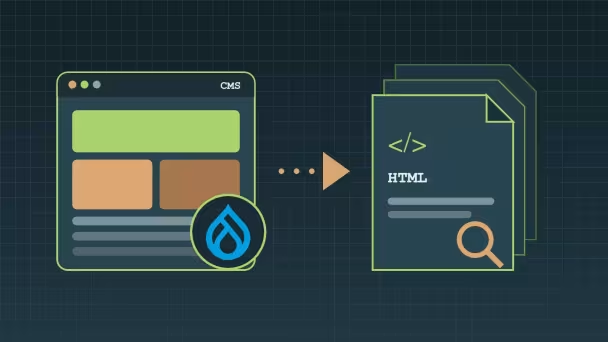
How this site is edited in Drupal with Canvas, exported to static HTML with Tome, and keeps a blog with infinite scroll, category filters and Pagefind search, all served as plain files, with no PHP or database.

This site is my own portfolio and blog. It is edited in Drupal, but no visitor ever reaches Drupal: every page you read here is plain HTML, exported from the CMS and copied to the web server. This case study explains why I chose that setup, how it is built, and what it took to keep a blog listing with filters and search working on a site whose web server only serves files, with no PHP or database behind it.
The context
I wanted the editing comfort of a modern Drupal site (Canvas page building, an editorial workflow, English and French content) without running PHP and a database in front of visitors. A personal site doesn't need a live application: it needs to be fast, cheap to host, and hard to break.
A static export answers that, with no PHP, no database and no login form on the public host. The catch is everything dynamic: a blog listing with paging, category filters and full-text search normally relies on Views querying the database.
Why static: security first
Security was the deciding reason. In October 2026, PHP2Shell, critical flaws in the PHP engine found with the help of AI, allowed remote code execution on almost any PHP site, Drupal included. It is one example among many: AI-assisted research is uncovering vulnerabilities faster than ever, and the time between disclosure and attack keeps shrinking.
Patching fast remains necessary, but it is a race. A static site takes the public host out of that race:
- No PHP, no database on the public host. An engine bug like PHP2Shell has nothing to run on: the web server only serves files.
- No login form, no admin routes, no sessions exposed to visitors, so no credential stuffing and no session bugs.
- The CMS lives on its own host. It still runs PHP and still needs patching, but it is not what visitors use. In an emergency it can be taken offline while the public site keeps running untouched; only the contact form waits.
- Every published page is a file I can audit.
Mostly static, with a dynamic contact form
This site is mostly content: presentation pages and blog articles. Its only dynamic part is the contact form, so there was no reason to keep the whole site dynamic for it. The pages are static, and the form calls a small API on the CMS.
The contact form is a Drupal webform rendered into the static page; on submit, JavaScript posts it to the CMS through Webform REST. The CMS host is not publicly accessible: only that one endpoint is reachable. Instead of a whole application, the attack surface is a single endpoint, and the pages visitors read stay plain files.
Goals and constraints
- Edit in Drupal as usual: Canvas for pages, the article form for posts, translation with the Translate tab.
- Publish static HTML only: the public vhost serves files, nothing else.
- Keep the blog useful: infinite scroll, category filters, search, and shareable URLs, on the static site too.
- Don't fork the logic: listings stay regular Drupal views, configured in the Views UI, not a separate JavaScript app.
- Security first: no PHP, no database and no admin surface on the public host.
Step 1: editing with Canvas
Pages are built in Canvas from the theme's Single Directory Components. Blog articles are a normal content type, rendered through Canvas content templates: one layout for the full article and one for the card used in listings, with each component input linked to a field.

Step 2: exporting and publishing
Tome renders every page through Drupal and writes it as HTML.
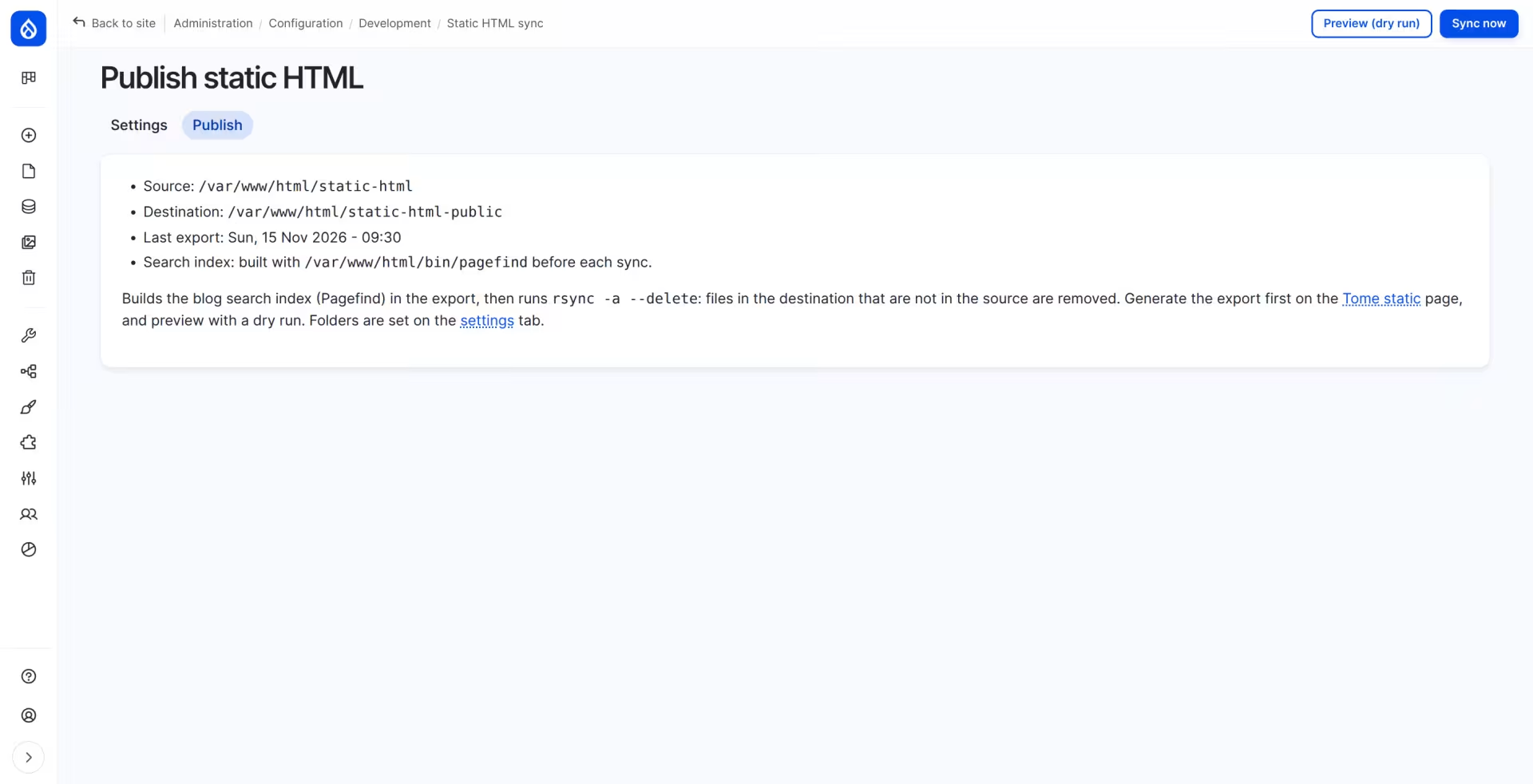
Publishing is a separate, deliberate step from a small admin page: a dry run lists what would change, then rsync copies the export to the public folder. Because rsync deletes files missing from the source, the page refuses to publish an empty export, a missing folder, or an export whose search index failed to build.
Step 3: a listing that works without a database
The blog listing is an ordinary Drupal view: published articles, newest first, a title search and category checkboxes as exposed filters. A small custom module, grumpydev74_static_listing, makes that same view work once exported:
- Infinite scroll is a pager plugin that follows the pager links, which Tome exports like any other page.
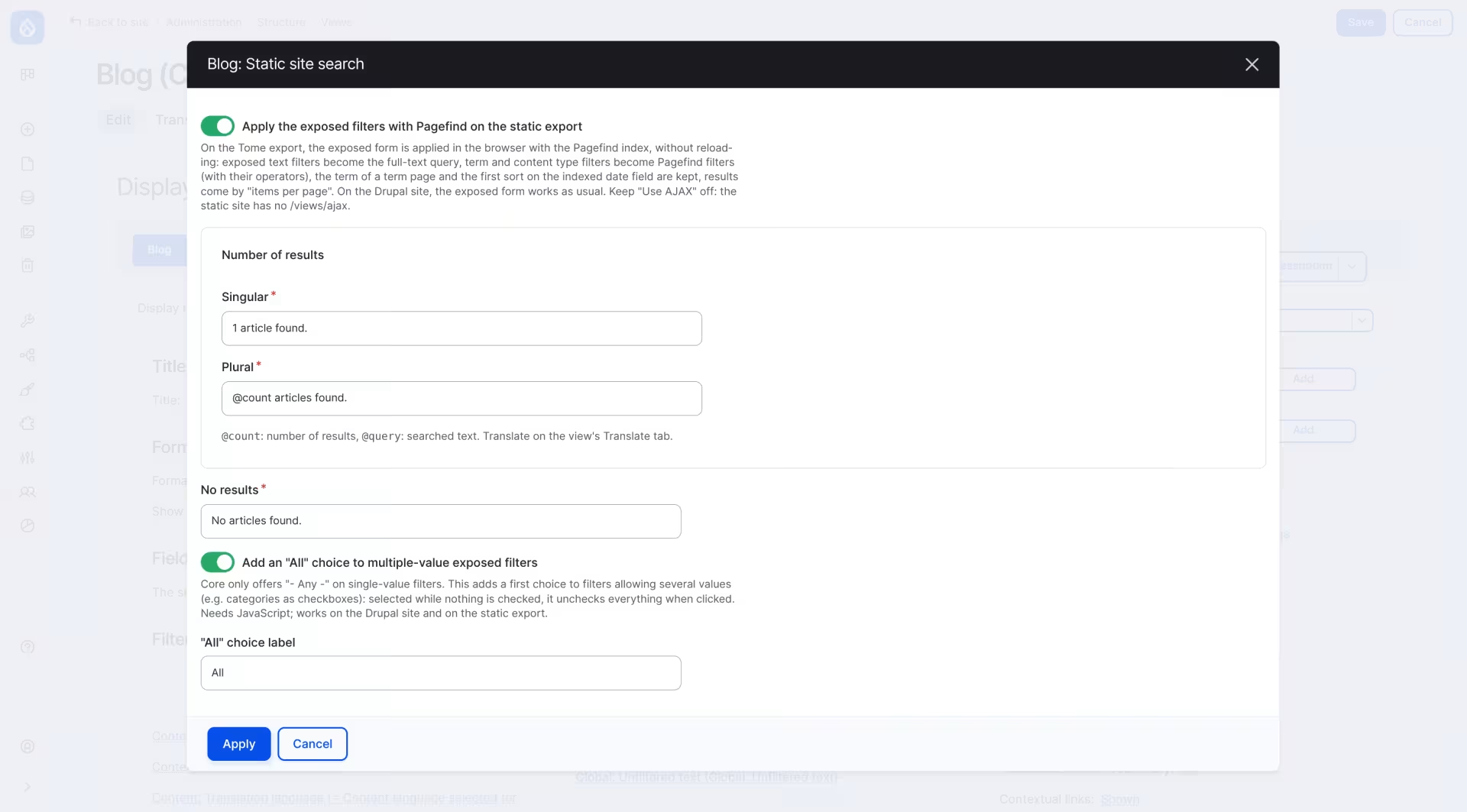
- Filters and search run in the database on Drupal. On the static site, the module reads the view's own exposed filters, sort and page size, and applies the same form in the browser.
- Readable URLs: categories go in the query string by name, e.g. /blog?category=drupal+search, so a filtered listing can be shared.
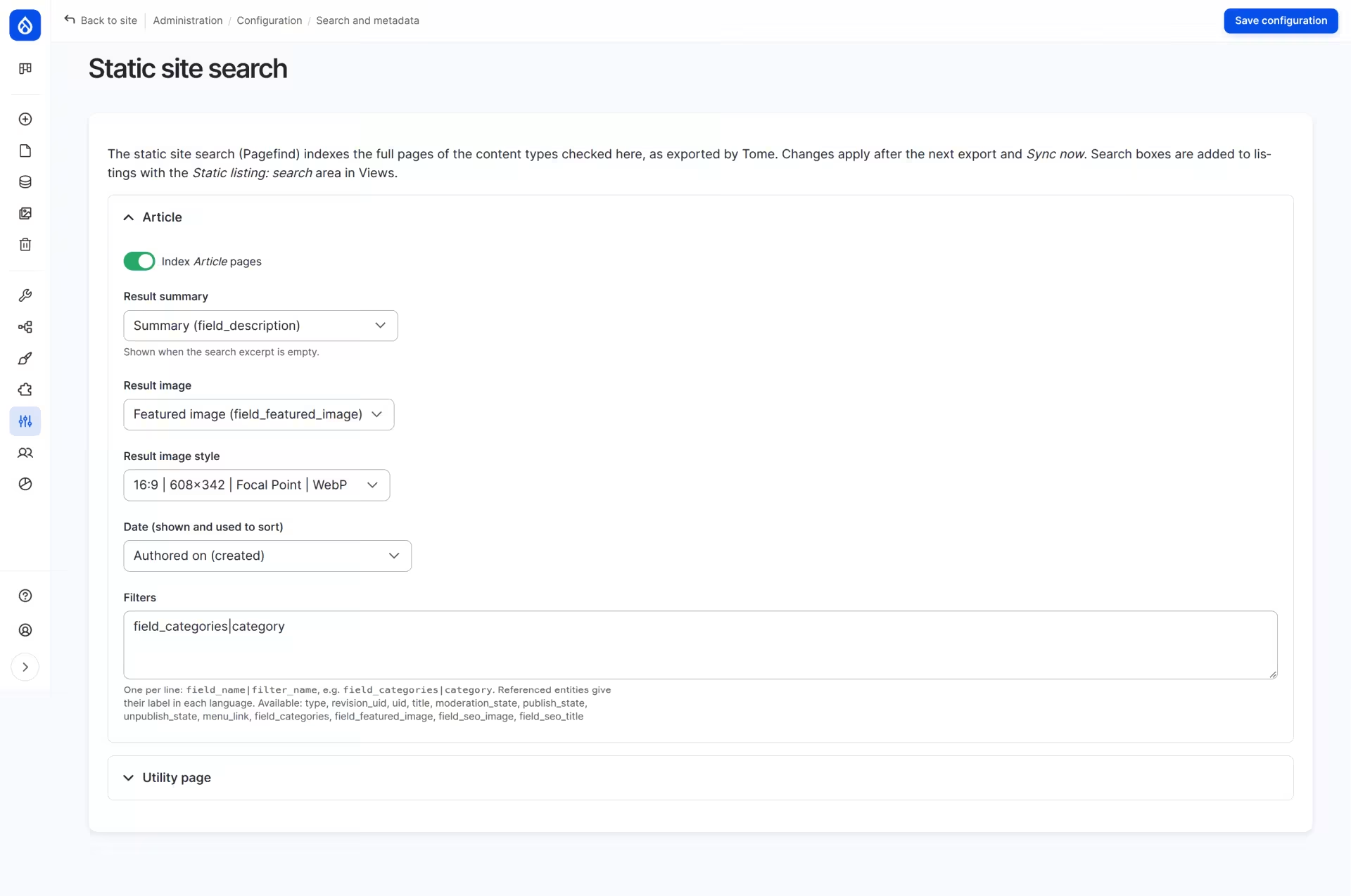
Everything is configured where Drupal developers expect it: a "Static site search" option in the view's Other section, and a settings page choosing which fields of each content type are indexed.
Step 4: search with Pagefind
Pagefind indexes the exported HTML right before publishing and ships the index as small static files. The browser only downloads the chunks a query needs, so search stays fast as the blog grows. Results reuse the article card markup, so a search result looks like a listing item.
Results
- A much smaller attack surface: the public site is plain HTML files. Engine-level bugs like PHP2Shell don't reach it, and an emergency patch on the CMS doesn't affect visitors.
- Editors keep the full Drupal experience: Canvas, workflow, scheduling, translations.
- The blog keeps infinite scroll, filters, search and shareable URLs, in English and French.
- The contact form stays dynamic: it posts to the CMS through a single API endpoint, the only part of the CMS reachable from outside.
Static isn't for every project
Going static is not a universal answer. Some projects are dynamic by nature: portals and intranets, member areas, e-commerce checkouts, personalised dashboards, communities with user-generated content. There, every page depends on who is looking at it, and the right move is a well-patched, hardened Drupal, not an export.
But many sites are mostly content, with only a few dynamic parts. Those parts don't have to keep the whole site dynamic: the pages can be static, and each dynamic feature can call a small API on the CMS.
- Contact and quote request forms
- Event registrations and booking requests
- Newsletter sign-ups
- Surveys, polls and feedback forms
- Job applications and other forms with file uploads
- Comments sent for moderation, published with the next export